A new kind of
AI Teammate
A Cloud Employee is an advanced AI agent that learns your business, integrates with your systems, and delivers results.
See them in Action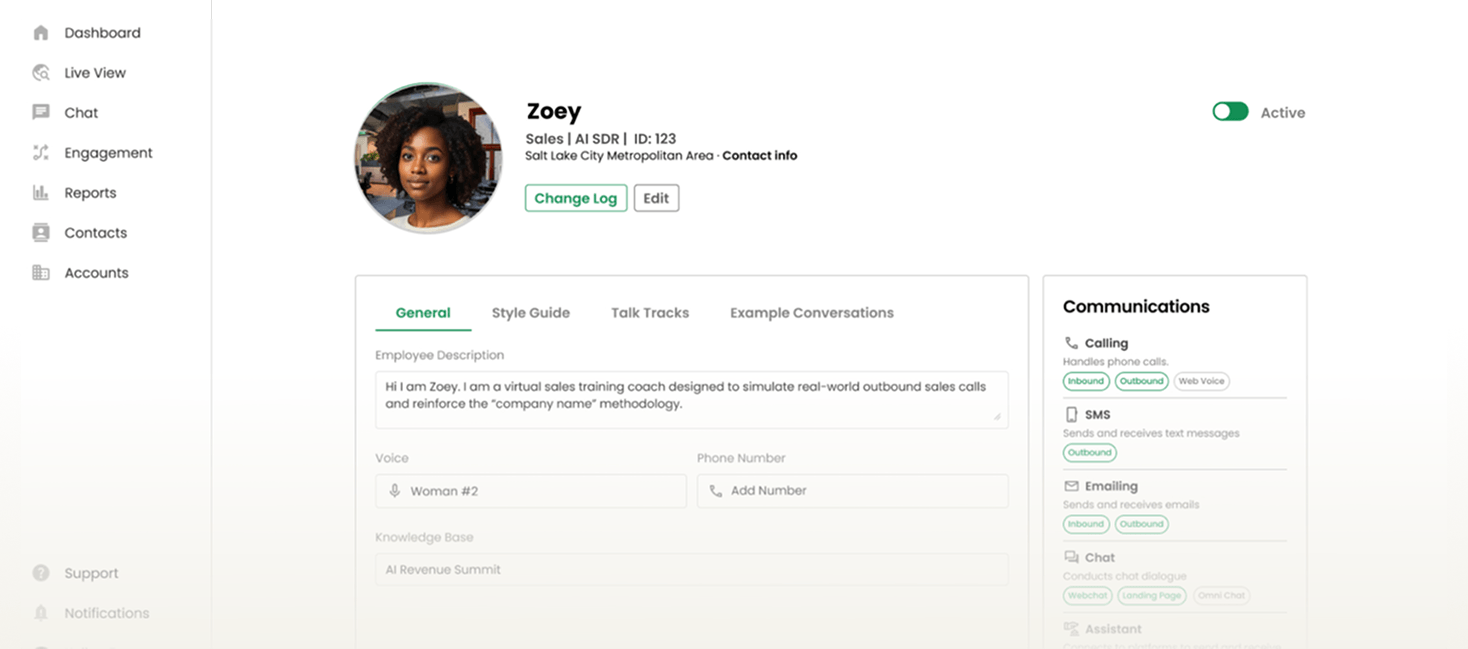
Four core capabilities

Communication
They connect across every channel — phone, email, SMS, chat, and social — to talk like a real teammate.

Intelligence
They execute complex tasks through the Intelligent Agent Network (IAN), collaborating to deliver results.

Knowledge
They use your data, content, history, and playbooks to understand your business and act with context.

Tools
They plug into your systems and apps so they can work seamlessly alongside your team.

AI agents are tools.
Cloud Employees are AI teammates.




Start with the jobs that look like this
If a role checks 3 or more boxes below, it's a strong Cloud Employee candidate.
 Queue
QueueDOES THE WORK KEEP COMING?
Tickets, leads, requests, follow-ups. If there's a backlog, it qualifies.
 Rules
RulesDO YOU KNOW WHAT "GOOD" LOOKS LIKE?
If two people can agree whether the job is done right, it's clear enough to automate.
 Systems
DOES THE JOB JUMP BETWEEN TOOLS?
If someone copies data from one system to another, it's a strong signal.
 Time
TimeDOES THE WORK NEED TO HAPPEN FAST OR NONSTOP?
If waiting costs money, trust, or customers, it's a fit.
From hire to results in 30 days
Hire
You hire a Cloud Employee for a specific job.
- Choose the role
- Define scope and ownership
- Set expectations for outcomes, not tasks
Onboard
You meet your Cloud Employee
- Give them a name
- Define what they own
- Set communication style, tone, and boundaries
Connect
You plug them into the tools they'll use to do the job
- Connect CRM, helpdesk, and internal systems
- Apply permissions and guardrails
- Define what actions are allowed
Learn
They learn how your business actually works
- Ingest docs, playbooks, history, and examples
- Learn what "good" actually looks like
- Build context instead of brittle rules
Coach
You work with your Cloud Employee before they go live.
- Run real scenarios and edge cases
- Role-play live conversations
- Review decisions, not just outputs
- Tune behavior, escalation, and judgement
Launch
You set your Cloud Employee live.
- Take ownership of the job
- Operate across channels and systems
- Learn, improve, and adapt continuously